NDM Academy

Learn NDMX one short lesson at a time.

Video lessons recorded on NDMX's own screens, in English and Arabic, covering Booking and Finance. After each one, a short quiz, then a practice company where you try it without touching real work.

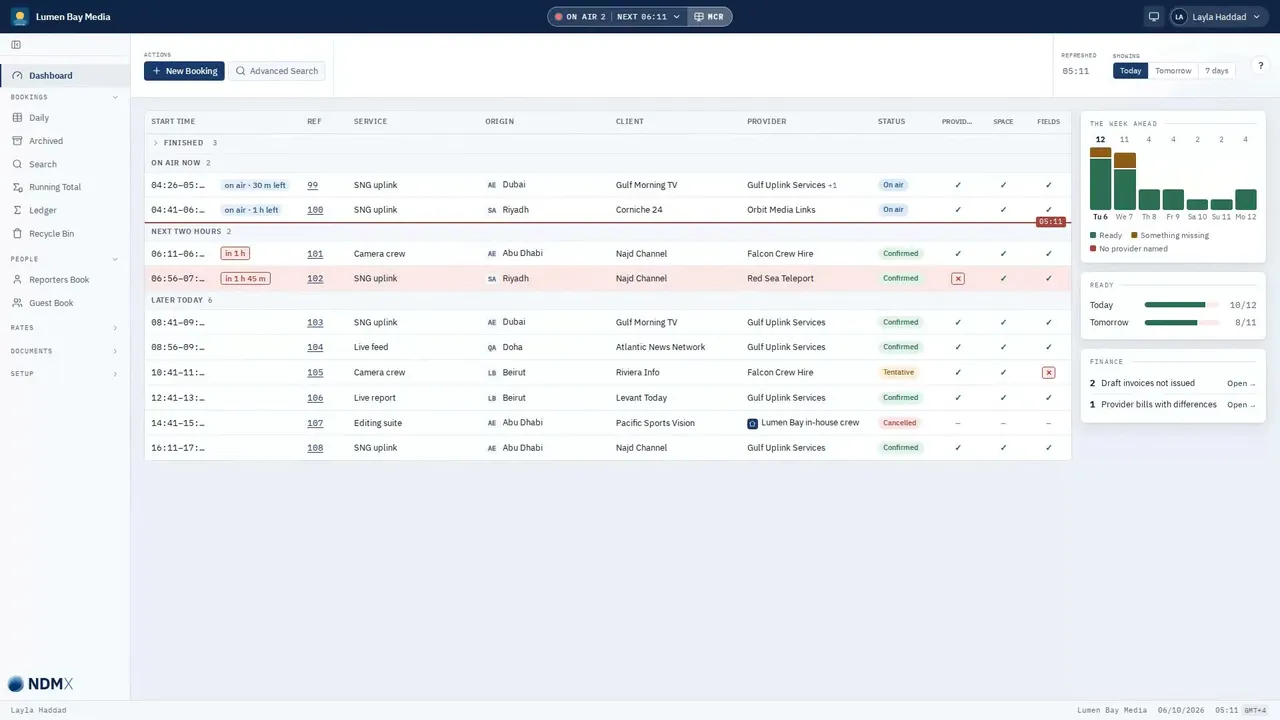
A lesson playing in the NDM Academy: NDMX's dashboard for the demo company Lumen Bay Media, with today's bookings in time order and a tick or a cross beside each one.

Also in the academy

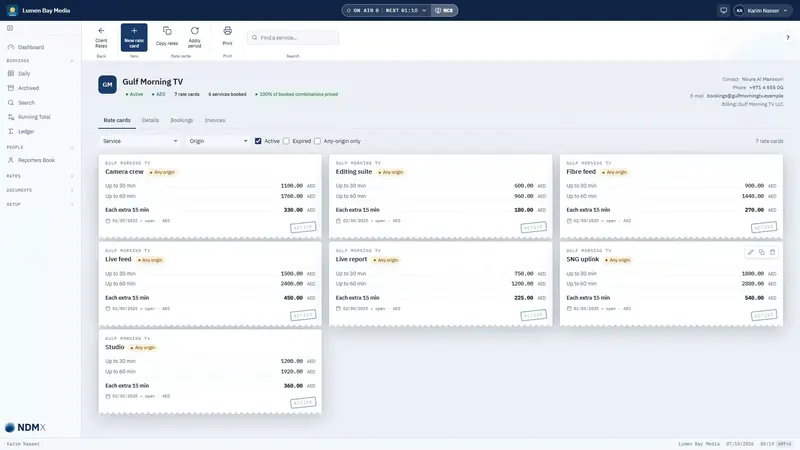
  • The lesson Client rate cards: a client's rate cards in NDMX, each laid out as a receipt.FinanceClient rate cards
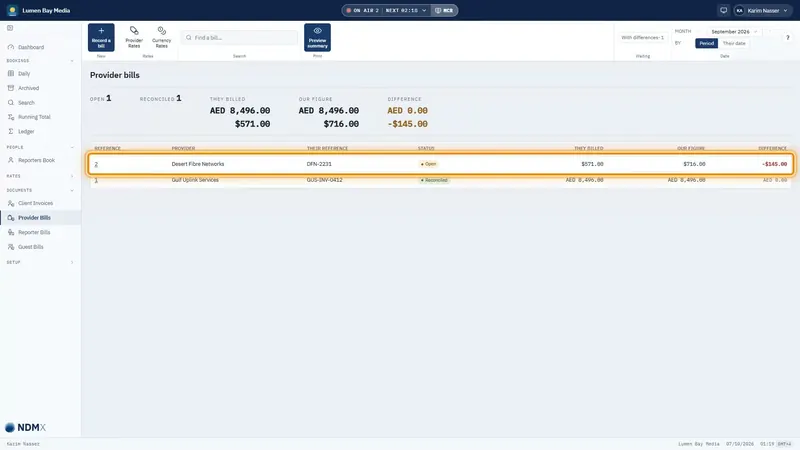
  • The lesson Recording a provider bill: NDMX's Provider bills list, with one bill highlighted.FinanceRecording a provider bill
Every lesson is filmed on Lumen Bay Media, a company invented for the academy.

Every lesson works the same way

  1. WatchA short narrated video on the real screens, with captions. Switch language and both the page and the video change.
  2. AnswerA short quiz checks what you saw. You can take it again as often as you like.
  3. Keep trackYour progress is saved as you go, and your company's administrator sees who has finished what.
  4. PractiseTry it in your company's practice company, shared with your colleagues and separate from real work. Your administrator can reset it at any time.

What the lessons cover

  • Welcome to NDM

    What NDMX is, how to find your way around it, and where help is when you need it.

  • Booking desk

    The daily work of taking and running bookings, from the first call to the confirmation the client receives.

  • Master Control

    What is on air now and what is next, on the screen the control room watches.

  • Finance

    Rates, invoices to clients and bills from providers, in your base currency and others.

  • Reports and documents

    The confirmation and the request, printed reports, and your company's own layouts.

  • Administrator

    Setting up your company: people and roles, company details, statuses and booking fields.

For companies moving from NDM

Coming from the old NDM

For people who used the previous NDM: where each familiar screen and field is now.

Already use NDMX

Your NDMX account is your academy account. There is nothing to sign up for.

  • From NDMXOpen Help and choose Academy. It opens in a new tab, and you are already signed in.
  • From your browserGo to academy.ndmx.net and enter your company's address. You sign in on your company's NDMX page as usual and come back signed in.
  • The academy never sees your NDMX password.
  • It shows the lessons for your company's modules. You can show the others in the academy's settings.
Open the academy

Not using NDMX yet

Learn NDMX before your company decides. Request access, and we open the academy for you and your colleagues.

How access works

  1. Request accessGive your company's name and country, your name, your work email, a password and your language.
  2. Confirm your emailOpen the link in the email we send you.
  3. We approve your companyWe review each request ourselves and email you once the academy is open to you.
  4. Invite your colleaguesAs your company's first person, you invite the others: up to 10 people, and more if you ask us.

What you get

  • Every Booking and Finance lesson, with its quiz
  • Progress for each person, and the whole team's on one page
  • A practice company with sample clients, providers and places
  • Your progress carried over if your company moves to NDMX
Request access

The form opens on academy.ndmx.net.

Questions about the academy

Which languages are the lessons in?

English and Arabic, each with captions. The academy starts in your NDMX language, and you can switch at any time.

What is in the practice company?

For a company using NDMX, its own settings and lists, such as services, statuses, clients, providers, places and rate cards, but no bookings, invoices or bills. For a company not using NDMX yet, a sample media services company. A practice company that a company not using NDMX leaves unused for 30 days is removed.

How is the academy different from Help in NDMX?

Help explains the page you are on and offers the lesson that covers it. The academy is where you take lessons in order, answer the quizzes and keep track of what you have finished.